
App Name
Speed-X
Package name
com.ald.speedx
Publishing
Chermodsc
Category
No Root + Shizuku
Version
2.3.3
Size
3.0 MB
Tool
Game Booster
Support
All Android
Features
Fix Lag Game Android
Link Download
Upfile
Speed-X v2.3.3
Fix Lag Game
Information Feature about Speed-X :)
- RAM Optimizer: Close background one tap
- Unlock FPS: 60, 90, 120, 144 FPS
- Boost Power: Focus the CPU and GPU
- Reduce Lag: Stabilize battery
- Shizuku support added more advanced features that don't require root access
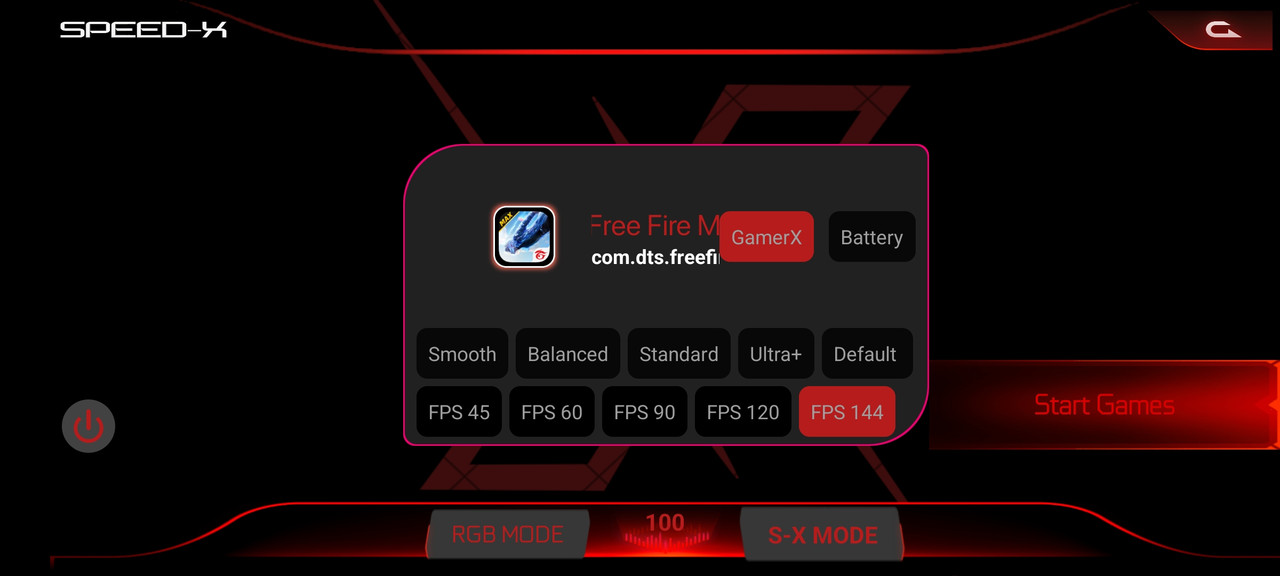
Tutorial Download & Install (Basic)
- Click button Download then wait continue
- If you don't know how to download link from Upfile, Click Watch Video Tutorial
- Once the Download is complete, install the app and ignore Play Protect
- Done! Open the app and start using it :)
If you want to use more powerful features like SPEED✕MODE, follow these steps.
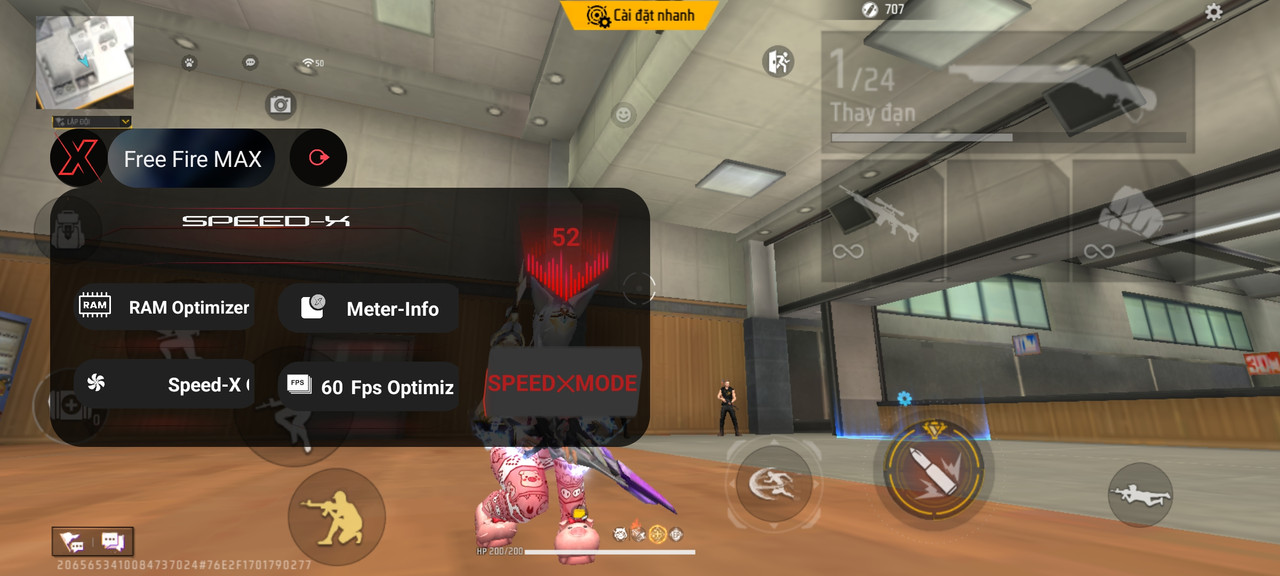
- Download and install the Shizuku app from the Google Play Store.
- Go to Settings > About phone device.
- Tap the Build Number seven times to open Developer Options.
- Turn on Wi-Fi and go to Developer Options, then enable Wireless debugging.
- Open the Shizuku app, then tap Pairing.
- Enter the pairing code received from the Wireless Debugging section into the notification bar.
- Done! good job now you can use Speed-X for the game you want (example free fire)